How to Close the Customer Feedback Loop
· 9 min read · by the Loopful team
A customer emails you in January.
Your team reads it, adds it to the board, discusses it in February, decides in March, and ships it in May.
In July, that same customer asks your support team whether you've ever considered building it.
Nothing went wrong in that story except the last five minutes of work. The request was heard, prioritized and delivered. Nobody told the person who asked.
That's an open loop, and it's how a working feedback process quietly stops working.
What closing the feedback loop actually means
Closing the feedback loop means telling the people who gave you feedback what happened to it.
Not publishing release notes. Not announcing to your entire user base. Telling the specific people who asked that the specific thing they asked for has moved.
It's a small step with an outsized return. Everything upstream depends on people continuing to participate, and people participate when they have evidence that feedback goes somewhere.
Closing the loop is that evidence.
The loop closes more than once
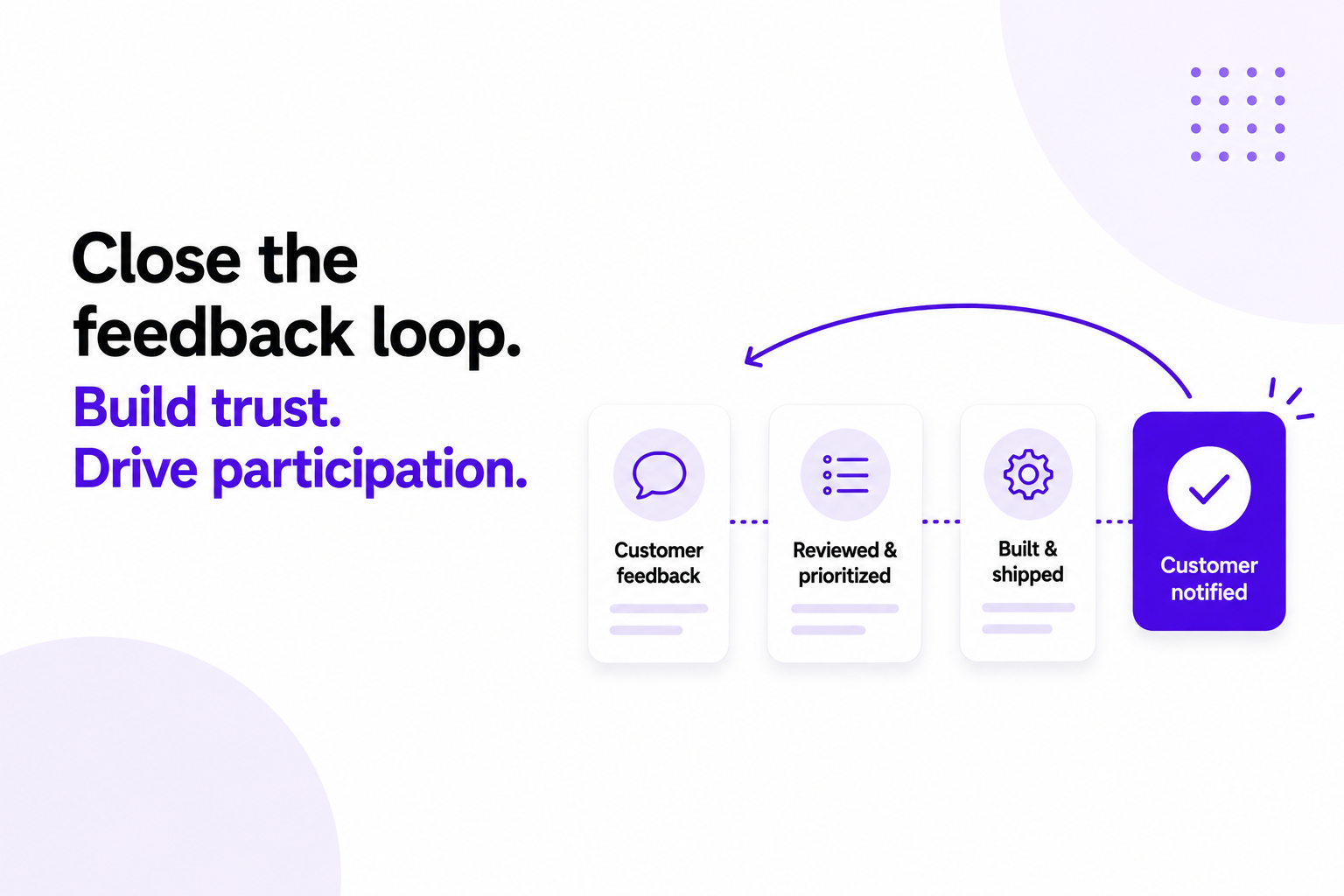
Most teams treat closing the loop as a single event that happens at release. It can happen at four different points throughout the lifecycle of a request, and the first three cost almost nothing.
Moment | What the customer learns | Effort |
Request received | It reached someone, and it isn't a duplicate lost in the pile | Near zero, can be automatic |
Decision made | Planned, or not planned and why | One sentence |
Status changes | Something is actually happening | A status on the roadmap |
Shipped | The thing they asked for exists | Changelog entry + notification |
There's a fifth that almost nobody does: going back after the release to ask whether it solved the problem. We'll come back to that one.
If you only close the loop at ship time, every request you decline or defer stays open indefinitely. Shipping can't be the only way a customer gets an answer.
Why the loop stays open
It's rarely a decision. It's a series of small, understandable failures.
The person who asked isn't in the room when it ships. January's request becomes May's release, delivered by someone who never read the original post. Unless that link lives in a system, it lives in somebody's memory.
It's the last step. Capture, triage, prioritization and delivery all have owners and deadlines. Notification has neither, so it's what gets dropped in the week a release runs long.
It's manual by default. Finding everyone who voted or commented and writing to each of them is a chore for one feature and impossible for twelve.
Nobody complains about it. Customers don't email to say they weren't told. They just stop telling you things, which surfaces months later as a quiet board.
And the best evidence you have goes unused. "You asked for this, we built it" is the most convincing sentence you can say to a customer, and it has a shelf life. Six months later it's just a feature.
Closing the loop at each stage
1. When the request arrives
The goal is a fast, unglamorous confirmation that it landed. An automatic acknowledgement is enough, this is the one stage that should never be manual. What matters more is what the customer can see afterwards: the request itself, with its status, somewhere they can check without asking you.
If it's a duplicate, merge it rather than closing it. Merging keeps the votes and the comments together and keeps the new person attached to the surviving request, so they hear about anything that happens next. Simply closing a duplicate can leave whoever submitted it disconnected from future updates.
2. When you decide
This is the stage most teams skip, and the cheapest one to fix.
Two decisions are worth communicating: this is planned, and this is not planned. Both are answers. Neither takes more than a sentence.
Planned is easy. Not planned is where teams hesitate, because saying no feels unkind. Indefinite silence is unkind. A short reason, it doesn't fit where the product is going, the cost is disproportionate to the number of people affected, there's an existing way to do it, gives people a real answer and lets them plan around it.
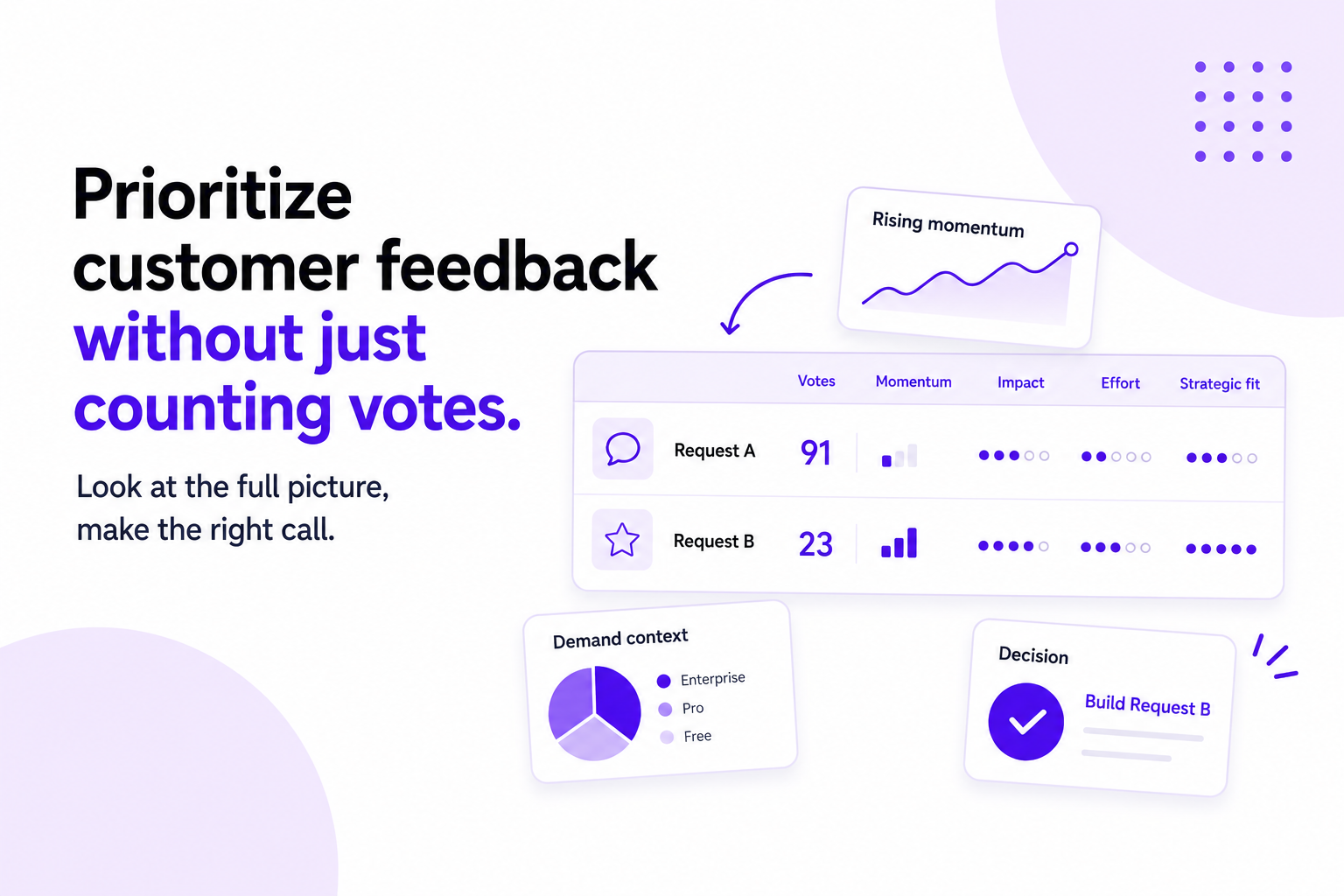
Three sentences, and it stops the same discussion returning every quarter. Worth remembering that a high vote count doesn't change this: a request can collect real demand and still not fit the product you're building.
3. While it's in progress
Status is a form of communication. Moving a request to "in progress" and letting the public roadmap show it is loop-closing that requires no writing at all, as long as the statuses are honest.
The failure here is the opposite of silence. A request that has sat in "In Progress" for eight months tells customers the board isn't maintained. When something slips, move it backwards in public and say why in a sentence.
4. When it ships
This is the moment the rest of the system exists for. Three things happen together:
Publish a changelog entry describing what changed, in customer language.
Link it to the requests it resolves.
Notify everyone who voted on or commented on those requests.
The third only works if you did the second, and the second only works if you kept requests consolidated back in triage. The shipping notification is the last step of a chain, which is why it works better inside the same tool as your feedback than as a reminder in someone's calendar.
5. After it ships
Then the step almost nobody takes: go back to the handful of people who cared most and ask whether it solved their problem.
Sometimes you shipped the feature and missed the problem, and a two-line reply is cheaper than finding out from churn a quarter later. Sometimes you got it exactly right, and you're talking to a customer at the moment they're most positively disposed toward you, a good time to ask what else is in their way.
How to write the message
Short, specific, and not a marketing email. The person receiving it asked for something months ago, quite possibly in different words than you'd use. Connect what they said to what you shipped, then get out of the way.
Subject: The CSV export you asked for is live
Hi Ana,
Back in February you asked for a way to get report data out of Acme and into your finance team's spreadsheets. It shipped this morning, you'll find Export to CSV at the top right of any report.
It respects filters too, so whatever's on screen is what you get.
If it doesn't do what you needed, just reply and tell me. Much easier to fix now than in six months.
— Jack
What makes that work: it reminds them what they asked and when, says what shipped in one sentence, tells them exactly where to find it, and comes from a person who can be replied to.
What to avoid: launch language, burying their request in a list of nine unrelated updates, and sending it three weeks late because it waited for the newsletter.
Making it a habit rather than an act of heroism
At every release: the changelog entry goes out, and the people attached to those requests hear about it the same day rather than discovering it themselves.
Weekly: check that statuses on the board still match reality.
Monthly: close out dormant requests with a reason rather than leaving them as decoration.
Each planning cycle: when you decide what's in, communicate what's out.
Two rules do most of the work. Nothing ships without a changelog entry. No request is declined without a reason written on it. Between them, nothing changes status silently, if a request moves, the people attached to it hear about it, whether that's a headline feature or a small fix nobody else noticed.
And one practical constraint: if closing the loop takes more than a couple of minutes per release, it becomes very easy to skip. When that happens, it's usually not a discipline problem. It's a tooling one, the requests and the releases are living in different places.
How to tell whether it's working
The share of shipped items with at least one linked request
Time between release and notification, measured in hours rather than weeks
Repeat participation: people who have submitted or voted more than once
Replies to your notifications, the sign that it reads as a conversation rather than a broadcast
Support tickets asking "did this ever get built?", which should fall
Common mistakes
Announcing to everyone except the person who asked. A changelog post ten thousand people can see and a note one person has been waiting for are different messages. Publish both.
Closing the loop only for big launches. The small fix somebody reported in passing is often where this lands hardest, precisely because they weren't expecting anything.
Telling the colleague instead of the customer. When support logs a request on a customer's behalf, the customer is the one who should hear that it shipped.
Saying "you asked, we shipped" when you shipped something adjacent. If you solved the problem a different way, say so plainly. Most people are fine with that. Nobody is fine with being told something exists when it doesn't.
How Loopful closes the loop
In Loopful, closing the loop isn't a separate task you have to remember. It's the last step of the same workflow.
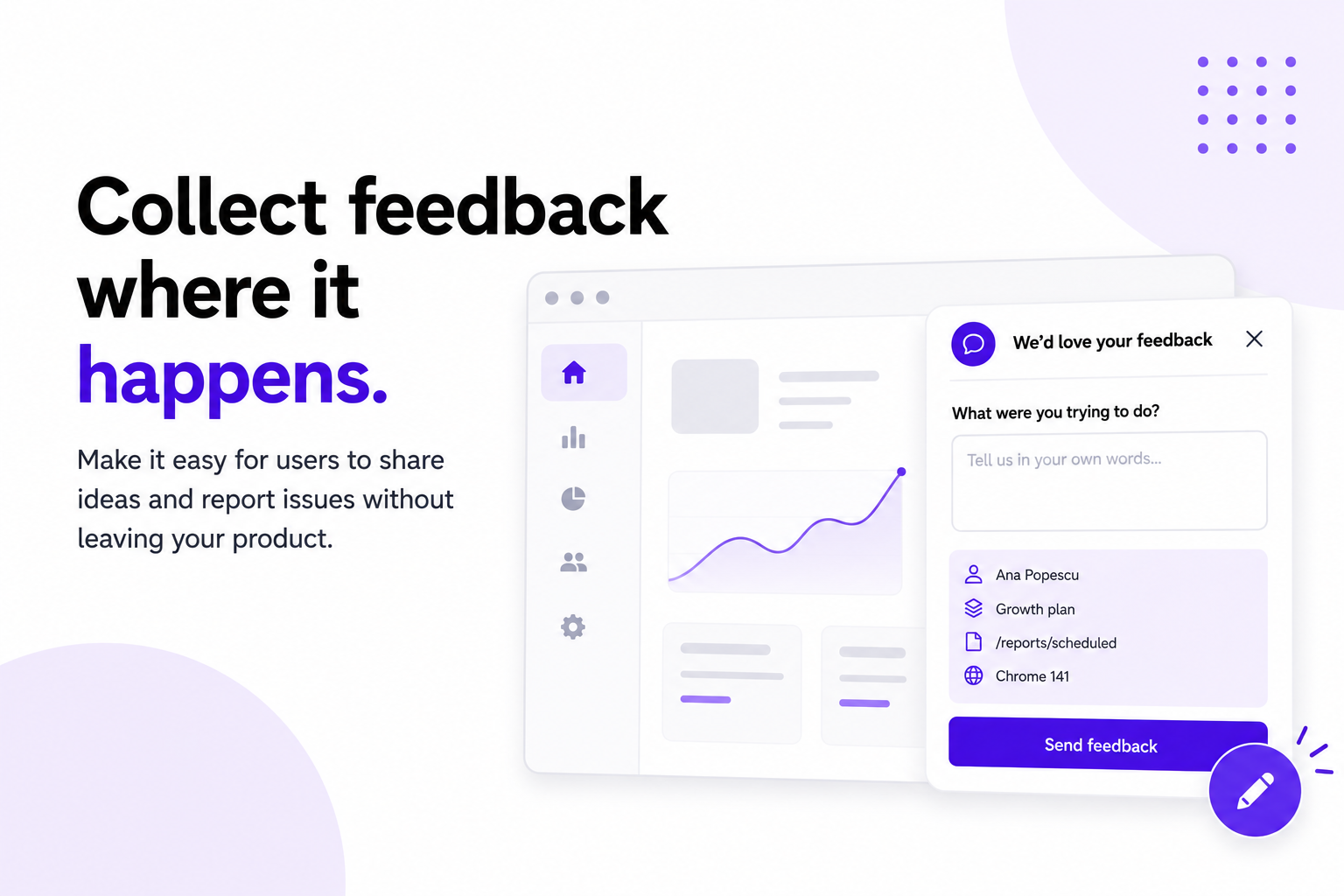
Requests arrive on public or private boards, or through a widget inside your product. Similar posts surface as people type, and anything that slips through can be merged in one click without losing votes or comments, so everyone who asked stays attached to a single request.
When you decide, the status is the answer, the defaults, or your own custom statuses if they fit your process better. Items you decide to pursue move onto the public roadmap.
When the work ships, you publish a changelog entry, link the requests it resolves, and everyone who voted or commented is notified automatically. The customer who asked in January hears about it in May without anyone having to remember who they were.
Your board, roadmap and changelog can live on your own domain, be embedded in your product, or open from the feedback widget. You can see the whole thing working in the Loopful demo portal.
FAQ
How quickly should I close the loop after shipping?
The same day is a good default, and if your notifications are automated, the moment the release goes live is better still. What you're avoiding is the three-week gap, where the message arrives long after the thing stopped being news.
Is it worth notifying someone who asked eighteen months ago?
Yes, and those are often the best messages you'll send. Nobody expects to hear back after a year and a half, which is exactly why it lands. Acknowledge the gap rather than pretending it isn't there.
What if the person who asked is no longer a customer?
If you can still reach them, yes. Someone who left because a capability was missing is worth telling that it now exists. Keep it to a short note, not a sales sequence.
Should notifications be email or in-app?
Email is a sensible default because it reaches people even when they're not inside your product. In-app notifications work well alongside it, but less well as the only channel.
Do I need to close the loop on requests I'm declining?
Especially those. Declined requests are the ones sitting in silence, and a short honest no does more for your credibility than another item quietly added to a growing board.